
Asus E410MA Very Affordable Laptop
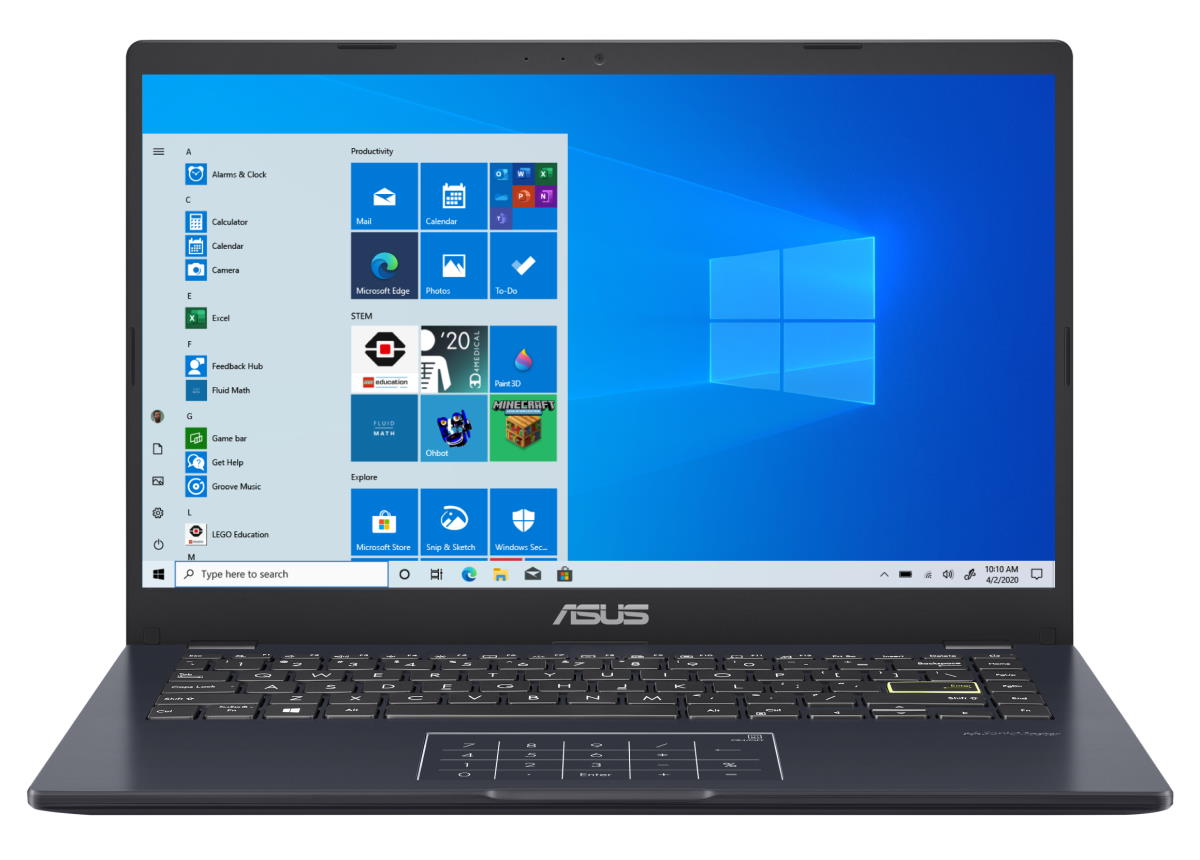
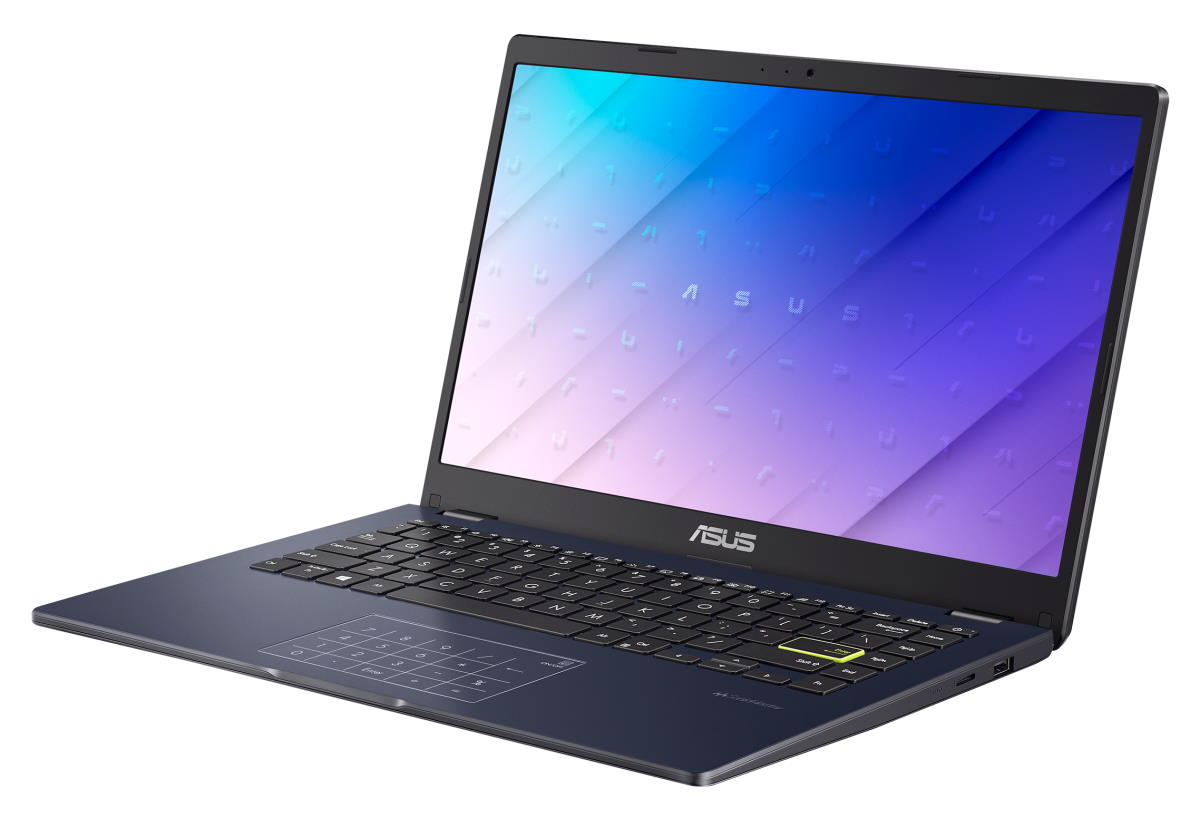
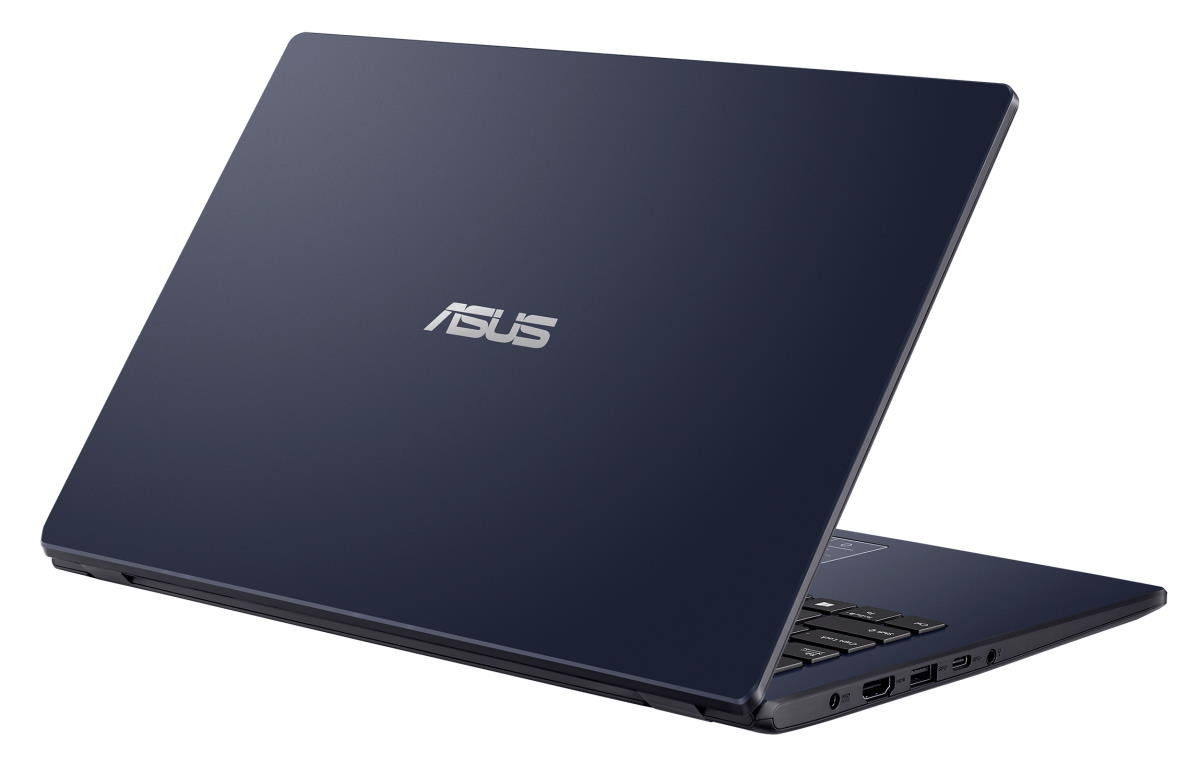
Specifications
| Laptop Type | Standard non-convertible laptop Affordable laptop |
|---|---|
| Performance | Entry-level performance |
| Screen Size | 14-inch |
| Screen Resolution | 1366x768 pixels HD 1920x1080 pixels Full HD |
| Touchscreen | No touchscreen |
| Other Display Specs | IPS type TN type Anti-glare coating |
| About Laptop Display | It depends on the laptop configuration what screen resolution among the mentioned above is included. It depends on the configuration whether the display is IPS or TN. |
| Processor (CPU) | Intel Celeron N4020 (decent for daily computing, but not fully smooth) Intel Celeron N4120 (decent for daily computing, but not fully smooth) Intel Pentium Silver N5000 (decent for daily computing, but not fully smooth) Intel Pentium Silver N5030 (decent for daily computing, but not fully smooth) |
| About Processors | The laptop's processor (CPU) is the main chip of the system and a very important computing performance factor. |
| Graphics (GPU) | Intel UHD 600 integrated graphics Intel UHD 605 integrated graphics (for the lightest games only) |
| About Graphics Processors | Graphics processor (GPU) is the main factor for 3D gaming performance. It also affects performance of other graphics intensive tasks like some image and video editing operations. |
| System Memory (RAM) Size | 4GB RAM 8GB RAM |
| About RAM | System memory (RAM) size determines multi-tasking capability of a laptop - how many tasks and programs you can run at the same time. Some programs and games may require large RAM to run properly. The multiple options above mean there are multiple laptop configurations with different RAM choices. |
| Data Storage | 64GB eMMC 128GB SSD 128GB eMMC 256GB SSD 512GB SSD |
| About Data Storage | Storage capacity determines how much data you can store on your laptop. SSD storage provides better data reading and writing performance than eMMC. The multiple storage options above mean there are multiple laptop configurations with different storage choices. |
| Keyboard & Input | Keyboard without dedicated number pad Touchpad with click buttons built into the surface |
| Speakers & Audio | Stereo speakers Combo microphone and headphones audio jack |
| Camera | Front-facing web camera VGA 480p resolution |
| Wireless & Networking | Wi-Fi 5 802.11AC wireless Bluetooth |
| USB Ports | 1 x USB-C 2 x USB Type A |
| Video Output Ports | 1 x HDMI |
| Media Card Reader | MicroSD card reader (optional) |
| Battery | 42 WHr capacity |
| About Battery | The battery capacity is typical for a 14" laptop with entry-level and mid-range components. The battery life varies depending on usage, settings, and other factors. |
| Weight | 2.9 pounds |
| Height | 0.7" |
| Width | 12.8" |
| Depth | 8.5" |
| Casing Material | Plastics |
| Casing Color | Black White Gold Blue Pink |
| Windows Version | Windows 11 Home in S mode Windows 11 Home |
| Warranty | 1-year |
| Year of Release | 2021 |
| Country / Region | Worldwide |
User Reviews, Questions and Answers
Below you can read and submit user reviews, questions, and answers about the Asus E410MA. Thank you for your contribution.
×
Please CLICK HERE to provide e-mail for receiving notifications when there are new replies
(The e-mail won't be used for any other purposes.)
More Related Laptops
-

Asus Vivobook Go L510MA-WS05 Affordable Laptop (15.6″ FHD, Intel Celeron N4020, 4GB RAM, 128GB eMMC, 1-yr Microsoft 365)
200 USD* Read More -

HP 15-fd0079wm / A2BZ8UA#ABA Affordable Laptop (15.6″, Intel Celeron N200, 4GB RAM, 128GB UFS, 12-mo. Microsoft 365)
259 USD* Read More -

Acer Aspire 3 A314-36P-3772 14″ Laptop (FHD, Intel Core i3-N305, 8GB RAM, 128GB SSD)
349 USD* Read More -

Asus Zenbook 14 OLED Q415MA-U5512 Laptop (14″ Touch, Intel Ultra 5, 8GB RAM, 512GB SSD)
800 USD* Read More -

HP Stream 14-cf2733wm / A2BZ1UA#ABA Affordable Laptop (14″, Intel Celeron N4120, 4GB RAM, 64GB eMMC, 12-mo Office 365)
129 USD* Read More -

HP Pavilion Plus 16-ab0010nr / 8B898UA#ABA Laptop (16″, Intel i7, 16GB RAM, 512GB SSD)
1,100 USD* Read More -

ASUS TUF A17 FA706NF-RS51 Gaming Laptop (17.3″ FHD 144Hz, AMD Ryzen 5 7535HS, Nvidia RTX 2050, 8GB RAM, 512GB SSD)
785 USD* Read More -

HP 15-fc0037wm / 7W6H6UA#ABA Laptop (15.6″, AMD Ryzen 5 7520U, 8GB RAM, 256GB SSD)
559 USD* Read More -

Lenovo IdeaPad 1 82QD00APUS Laptop (15.6″, Intel i5-1235U, 8GB RAM, 256GB SSD)
444 USD* Read More
Question
Roger Damico –
I purchased this computer because it showed it hada micro SD card slot. (this is from your description above:
Media Card Reader MicroSD card reader
The laptop has a slot for MicroSD memory cards. These are small SD cards commonly used in smartphones.)When I received the computer it does not have a slot even though the instruction manual shows the slot. Has the slot been discontinued on the new models?
Notify me of replies Unwatch this thread
Dan –
If that’s exactly the E410MA model on your image, it looks like this is a rare occasion where a single laptop model has an SD card / microSD card slot on some model configurations, but not on others. As a matter of fact, this is the first time I see that. The product page on Asus.com lists Micro SD card reader “on selected model”, where should be stated “on select models” if the reader is present only on select configurations. But again, all the images on the official site show the microSD card slot on the right side.
Link: https://www.asus.com/laptops/for-home/all-series/asus-e410/